How to Prepare Images for Blog Covers Without Slowing the Page Down
Blog covers need to look strong, but they should not behave like oversized posters on the web. The best result is usually a clean image workflow, not one giant export dropped into the page.
Start with Compress Image, then resize, crop, or convert only where the cover really needs it.
Short Answer
Prepare blog covers by deciding the crop first, setting realistic dimensions, and compressing the final image before publishing.
That usually means:
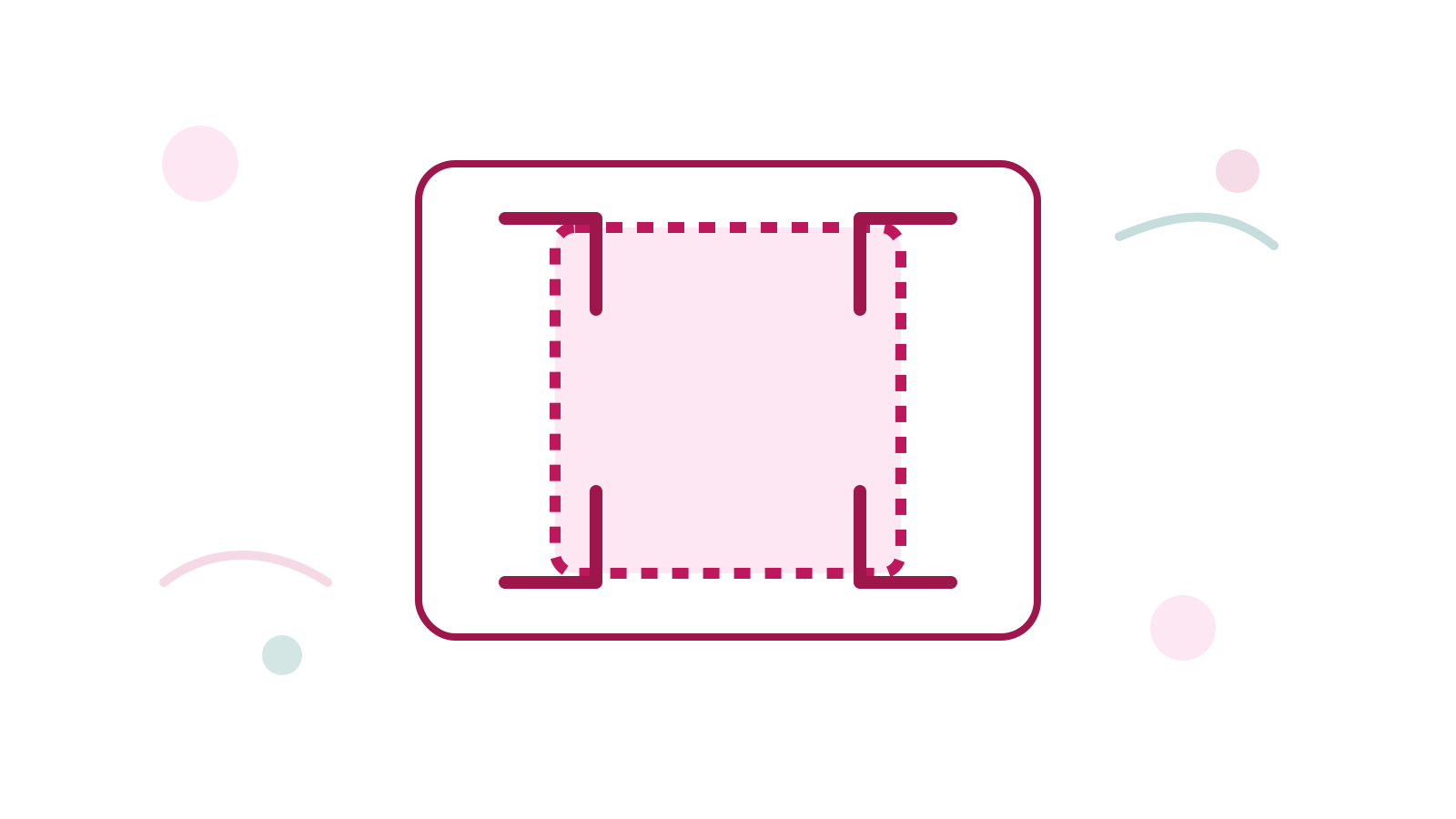
- Crop Image if the framing is wrong
- Resize Image if the source is oversized
- Compress Image before publishing
Better Workflow
- Crop the composition if the subject is not framed well.
- Resize the image to the display need.
- Compress the result before upload.
- Convert only if the current format is not helping.
FAQ
Should I compress or crop first?
Crop first when the composition is wrong. Compress after the image is already framed correctly.
What if the file is still heavy after compression?
Check Resize Image or compare outputs in Convert Image.
Does every blog cover need PNG?
No. Use the format that matches the image. For many web covers, JPG or WebP is more practical.
Next Step
Run the image through Compress Image, then make a second pass with Resize Image or Crop Image if the cover still needs cleanup.