Image Guides
5 guides in this cluster
Practical resize, crop, and compression guides for web, email, and product-image workflows.

Learn how to resize images, compress files for websites, compare formats, merge PDFs, split PDFs, extract pages, and fix common file workflow problems with actionable guides built around kitoraapp.com tools. The hub now covers 20 focused posts across image workflows, PDF workflows, and format conversions.
Featured post
Learn how to compress images for websites, choose the right format, and reduce file size without making product shots, blog images, or hero banners look weak.
Read the guideImage Guides
Practical resize, crop, and compression guides for web, email, and product-image workflows.
PDF Guides
Task-focused merge, split, extract, reorder, rotate, watermark, and cleanup guides for real PDF workflows.
Format Conversion
Format comparison and conversion guides for JPG, PNG, and WebP when file choice affects quality or weight.

A practical guide to adding a confidential or draft watermark to a PDF without changing the rest of the document workflow.
Read the guide
A practical guide to numbering PDF pages so readers can reference the document more easily.
Read the guide
A practical guide to converting PNG to JPG when file size and simpler handling matter more than transparency.
Read the guide
A practical guide to converting WebP to JPG when the receiving workflow expects a more common image format.
Read the guide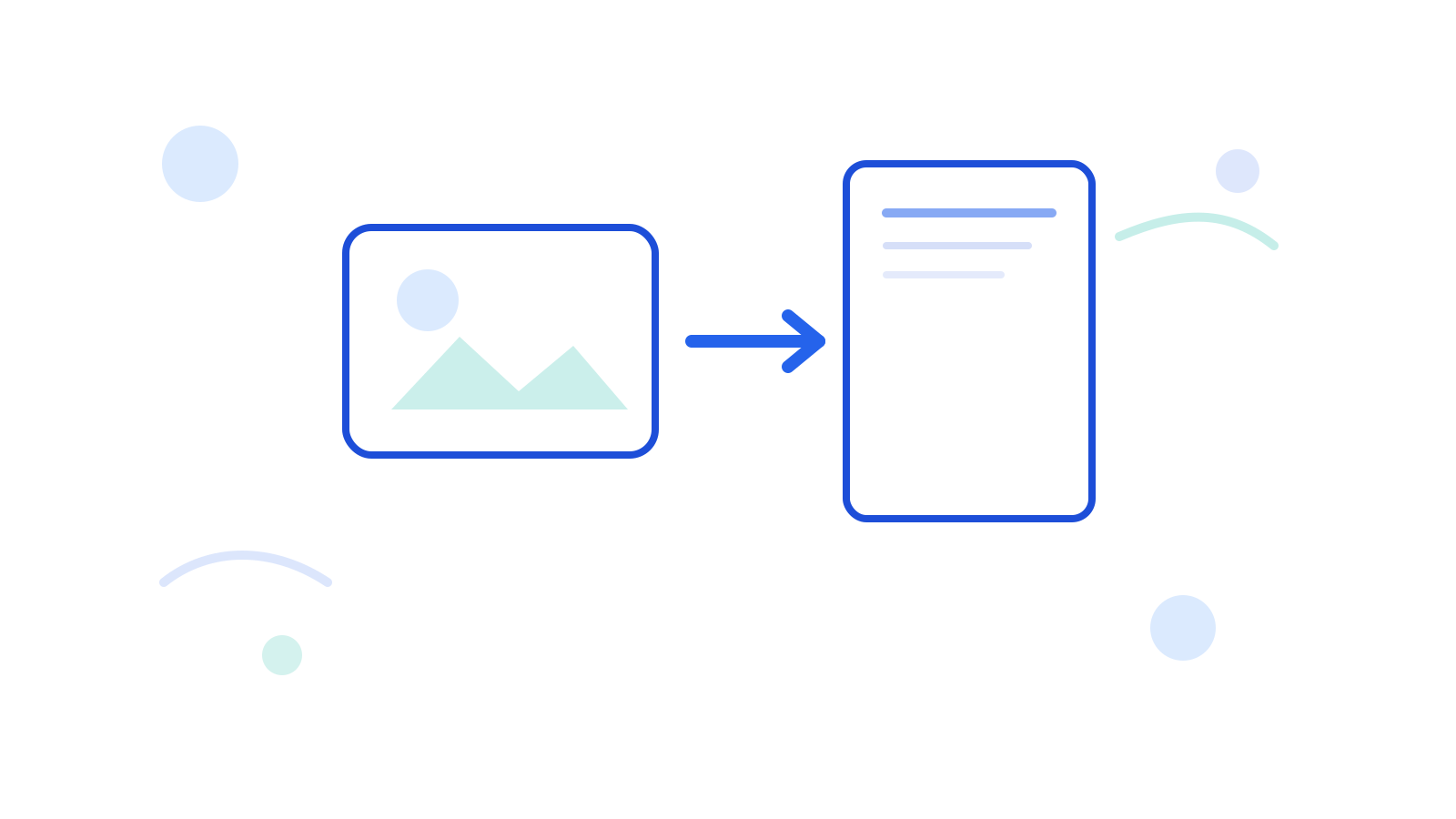
A practical guide to converting one image into a PDF when the receiving workflow expects a document instead of a raw image file.
Read the guide
A practical guide to cropping an image to square while keeping the subject centered and the final file easy to reuse.
Read the guide
A practical guide to deleting blank PDF pages, cleaning scanner leftovers, and keeping the rest of the document intact.
Read the guide
A practical guide to keeping only the PDF pages you need and creating a smaller focused output file.
Read the guide
A practical guide to merging PDFs in the correct sequence and avoiding cleanup work that starts with a bad file order.
Read the guide
A practical guide to merging scanned PDFs, checking the page order, and cleaning the final document before you send it.
Read the guide
A practical guide to sizing, compressing, and converting blog cover images before they go live.
Read the guide
A practical guide to cleaning scanned PDFs by removing extra pages before the file goes out to someone else.
Read the guide
A practical guide to fixing PDF page order after scanning, especially when the pages were captured out of sequence.
Read the guide
A practical guide to resizing images for email, keeping dimensions realistic, and avoiding oversized attachments.
Read the guide
A practical guide to sizing product card images for cleaner grids, lighter pages, and more consistent merchandising.
Read the guide
A practical guide to fixing sideways PDF pages so the final file reads correctly on screen and on paper.
Read the guide
A practical guide to splitting a PDF into smaller files, deciding the split logic, and avoiding messy output groups.
Read the guide
A practical format comparison for web images, including when JPG, PNG, or WebP makes the most sense and which tool to use next.
Read the guide
A practical guide to deciding when JPG to PNG is the right move and when another workflow is more useful.
Read the guideThis blog is built to answer practical image and PDF questions, not to publish filler. Use it to find the next guide or jump straight into the matching tool.