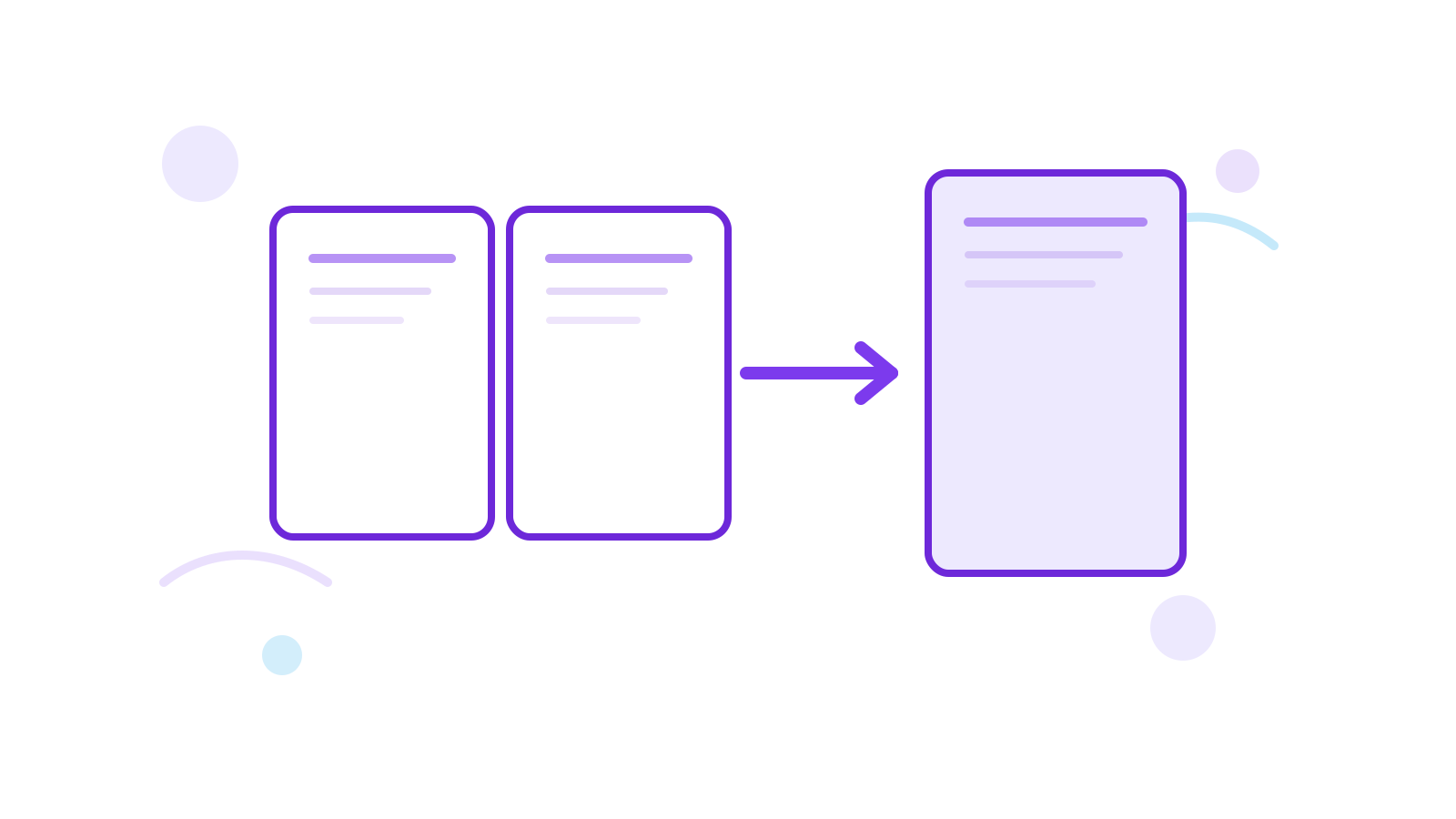
How to Merge PDF Files in the Right Order the First Time
Most merge mistakes are not technical. They happen because the file order was never checked before the merge ran.
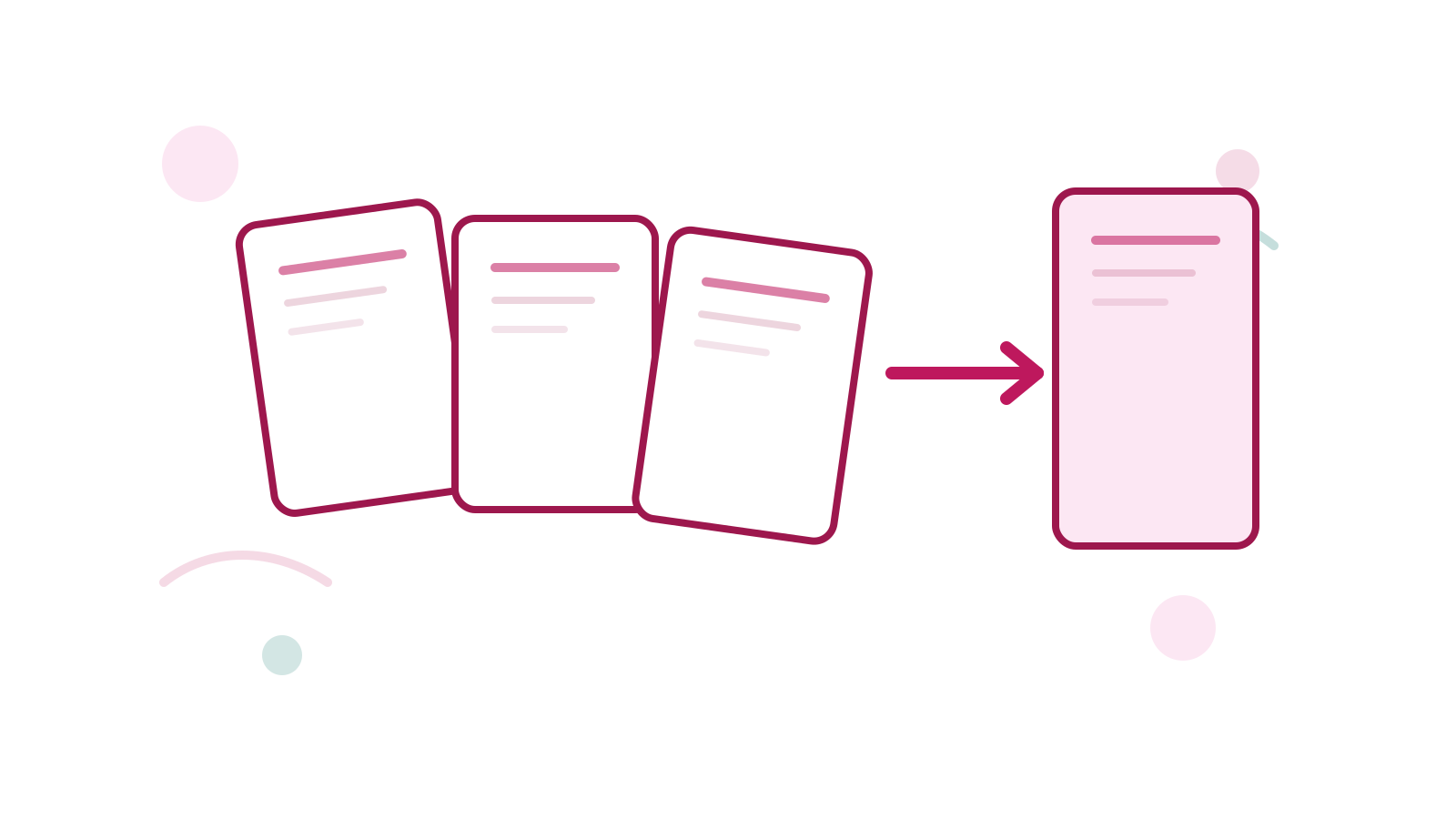
If the final document should read like one clean report, proposal, or packet, start with the visible file order inside Merge PDF.
Short Answer
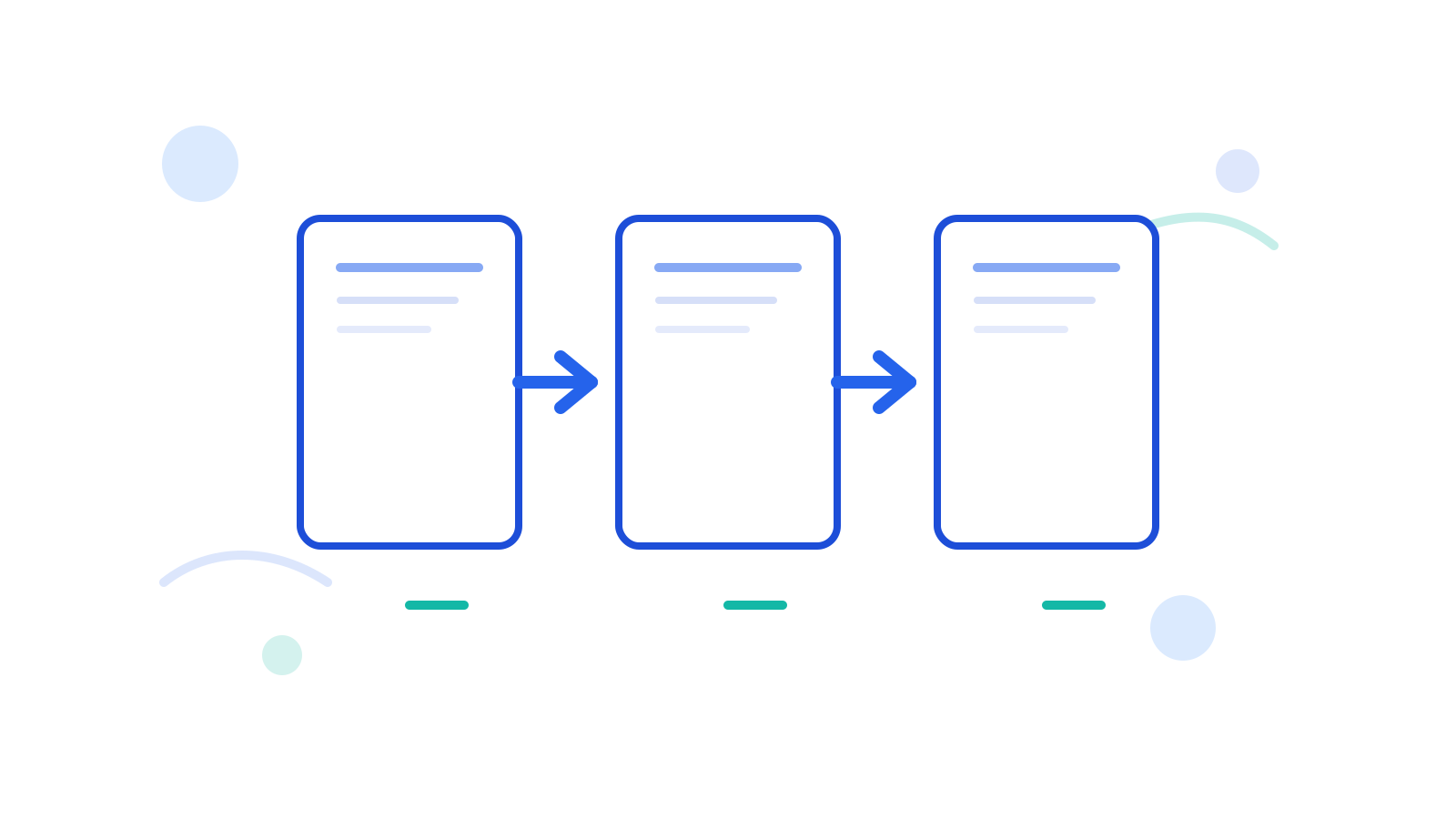
Put the source PDFs in the final reading order before you merge. That sounds obvious, but it is the step most people skip.
If the merged file is still wrong afterward, use Reorder PDF Pages only as the cleanup step, not as the default plan.
Better Merge Flow
- Check the source files once.
- Put them in the final order.
- Merge with Merge PDF.
- Review the first, middle, and last section.
Common Follow-Up Fixes
- sideways pages → Rotate PDF
- wrong final sequence → Reorder PDF Pages
- extra pages → Delete PDF Pages
FAQ
Should I merge first or reorder first?
If the content still lives across separate files, merge first. Reorder is for a combined PDF whose page sequence still needs correction.
What if the source files came from scans?
The same rule applies. Put the scan PDFs in the final order before merging.
Can I remove unwanted pages after merging?
Yes. Use Delete PDF Pages after the merge if the output includes leftovers.
Next Step
Use Merge PDF only after you decide the true final order. That one habit saves more cleanup time than any later edit.