How to Rotate a Sideways PDF Without Rebuilding the Document
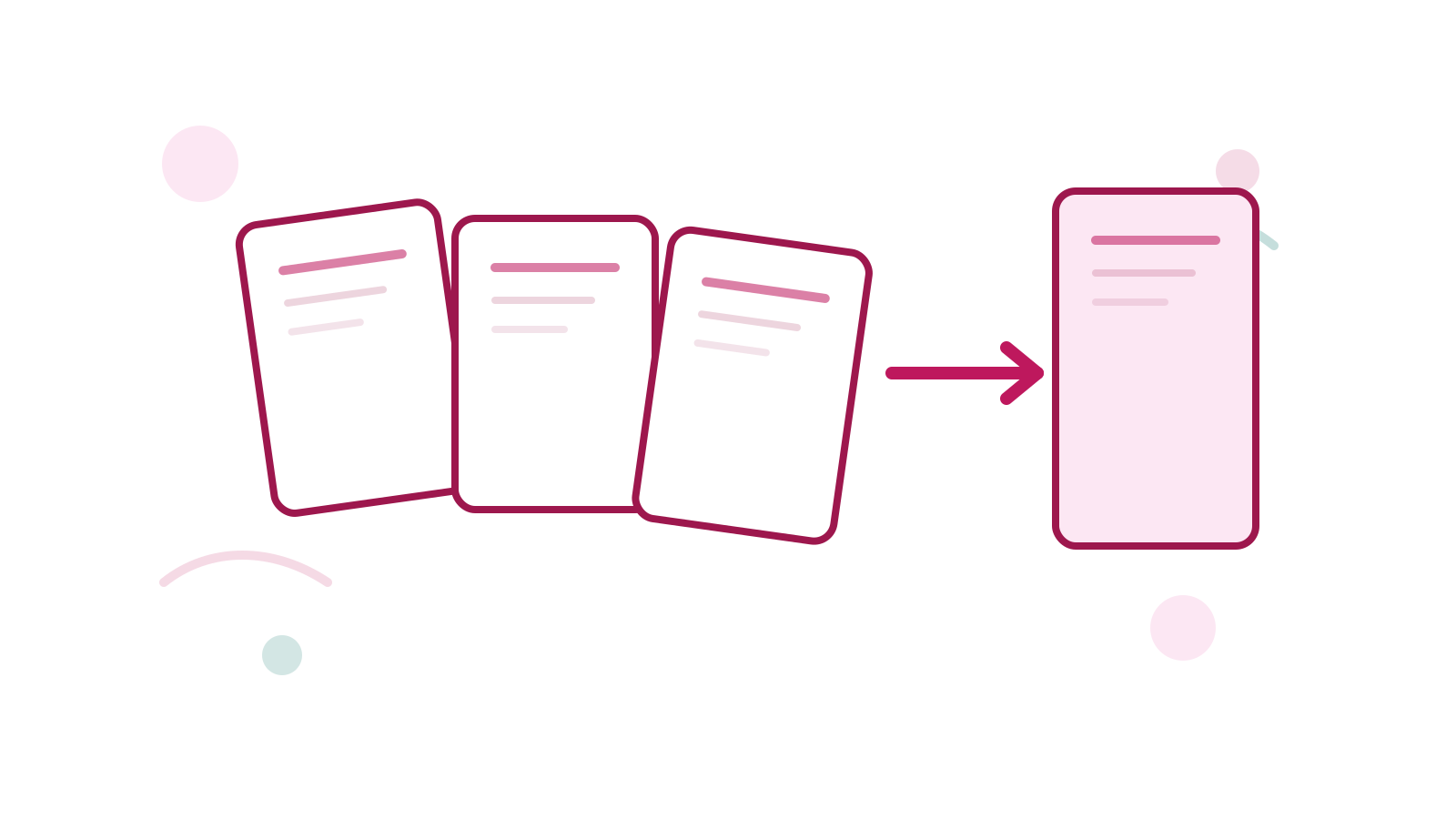
A sideways PDF feels broken even when the content itself is fine. This usually happens after scanning, combining several documents, or exporting from a workflow that ignored orientation.
The cleanest fix is Rotate PDF.
Short Answer
If the PDF is readable but turned the wrong way, rotate it directly instead of rebuilding the document from scratch.
If the file also has order problems, handle Reorder PDF Pages first so you only need to review the final orientation once.
Common Situations
- portrait pages saved as landscape
- one scan batch turned sideways
- merged PDFs with inconsistent orientation
Better Rotation Workflow
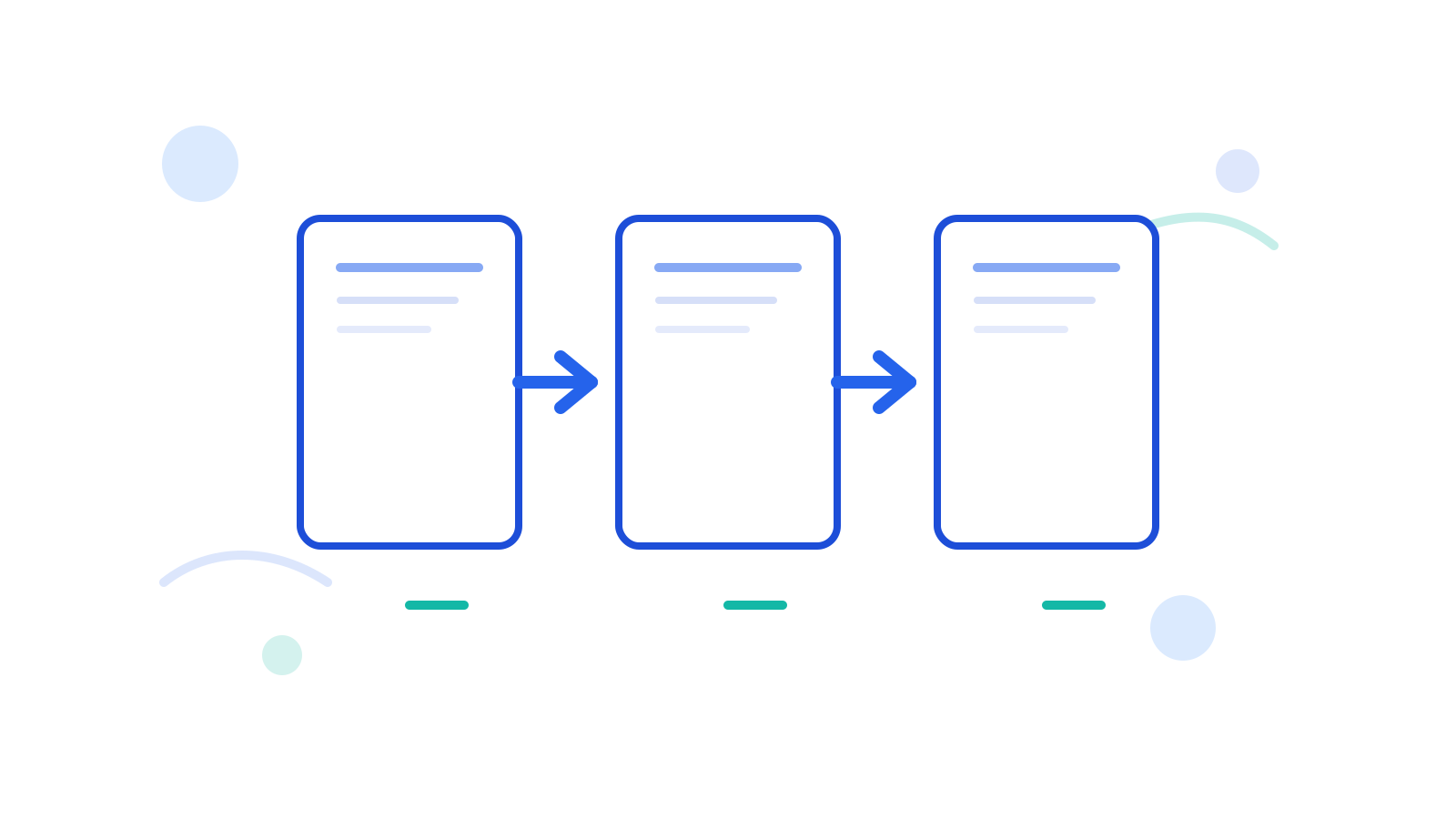
- Check whether the issue affects the whole file or only one document batch.
- If several PDFs are still separate, combine them first with Merge PDF when that makes review easier.
- Rotate the PDF with Rotate PDF.
- Add page numbers later if the document also needs review references.
FAQ
Should I rotate before reordering?
Usually reorder first if the page sequence is wrong. Then rotate the finished reading order.
Can I rotate a scanned PDF?
Yes. That is one of the most common reasons to use the tool.
What if I want the final report to look more complete?
After rotation, add numbering with Add Page Numbers if the file will be reviewed or printed.
Next Step
Use Rotate PDF to fix the orientation first. If the document still feels messy after that, continue with Reorder PDF Pages.